TWO PHOTOS. AN ENTIRELY NEW STORY.AI Zombie
AI Zombie
Video Generator
Upload two photos and turn them into a cinematic zombie story —
with sound, suspense, and a final memory scene.
No prompts. No editing.
2 photosCouple / PetNo prompt required16:9 / 9:16
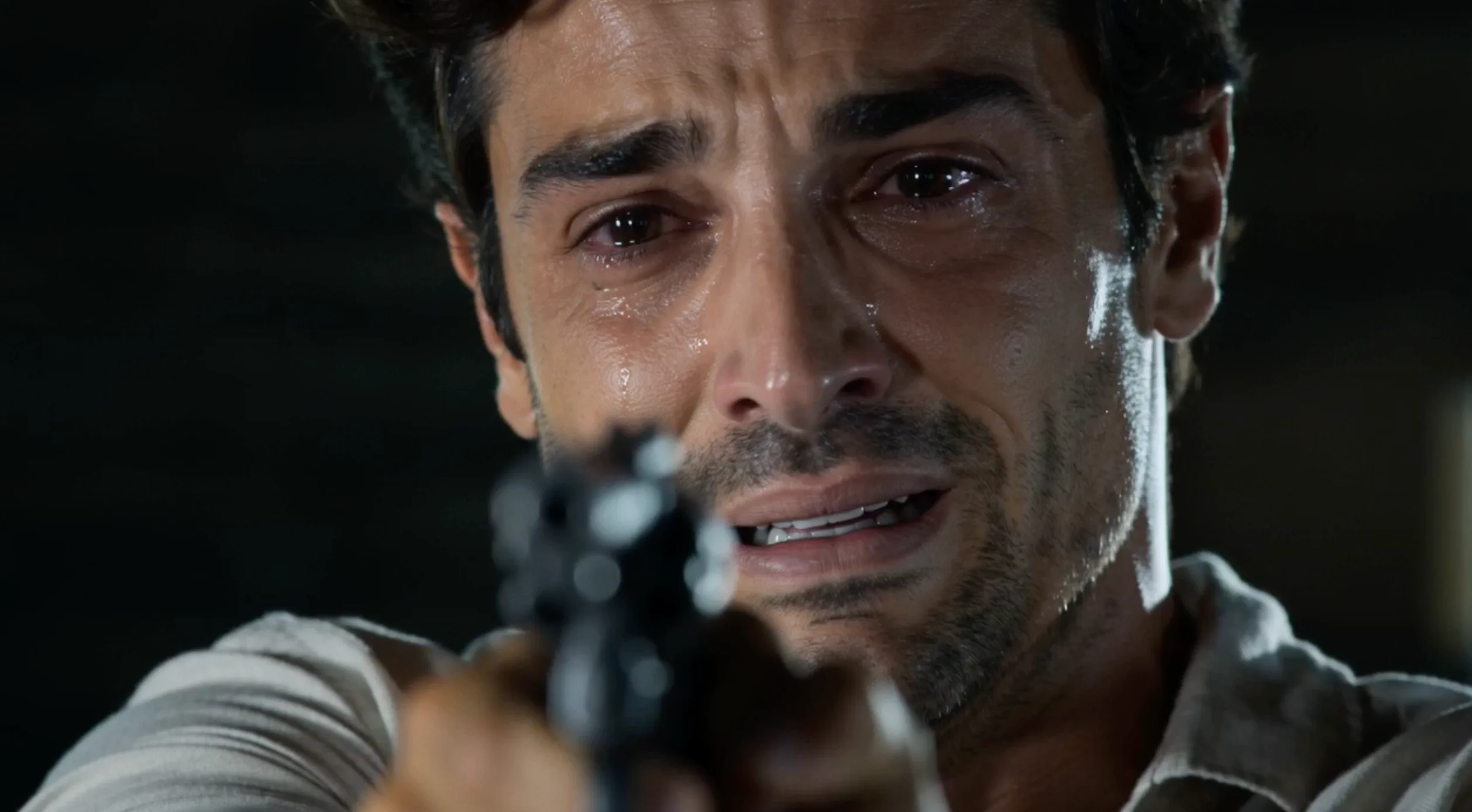
TRY THE AI ZOMBIE TREND FROM TWO PHOTOSZOMBIE COUPLE
YOUR PHOTOS. YOUR STORY.
AI Zombie Generator
Make a zombie video from two photos. Choose Couple or Pet to get started.
A LITTLE INSPIRATION
AI Zombie Video Examples
Two different stories: you and someone special, or you and your pet.
Pet · You and your best friend.
Pet · 16:9MORE THAN A TRANSFORMATION
Inside Your Zombie Video
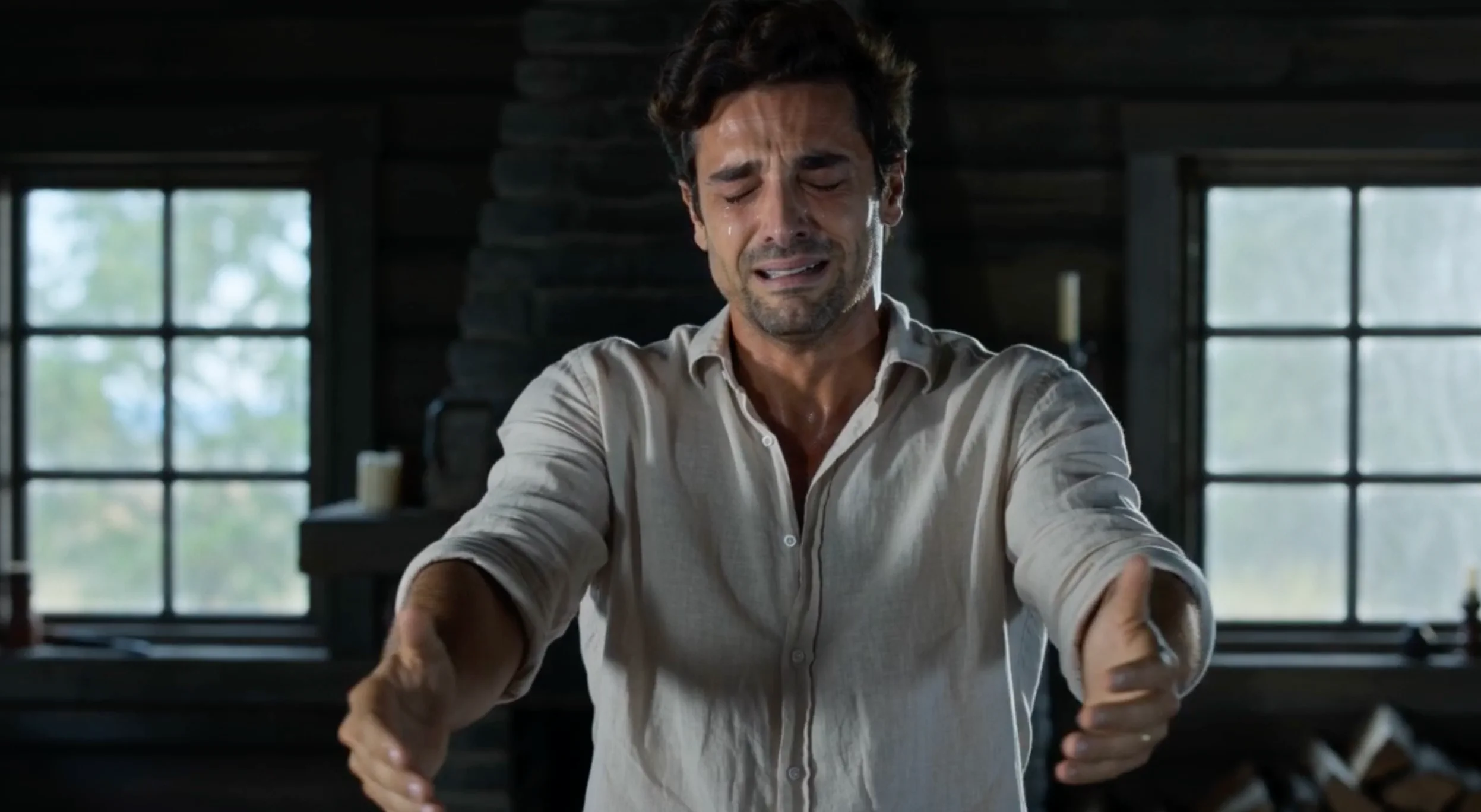
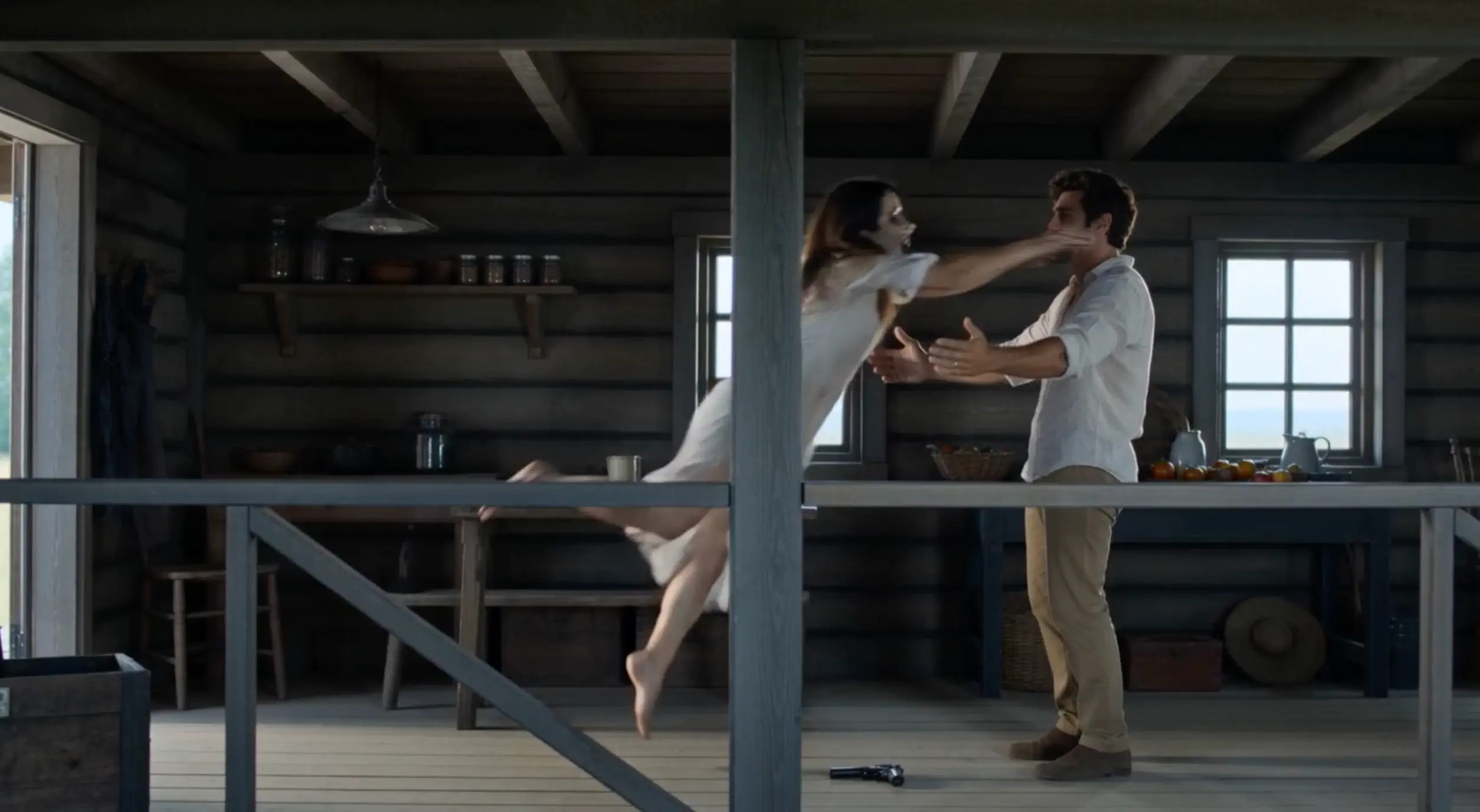
Couple and Pet follow a standoff, a transformation, a choice, and a warm memory. These scene images show the Couple story; watch the Pet example above for the pet version.
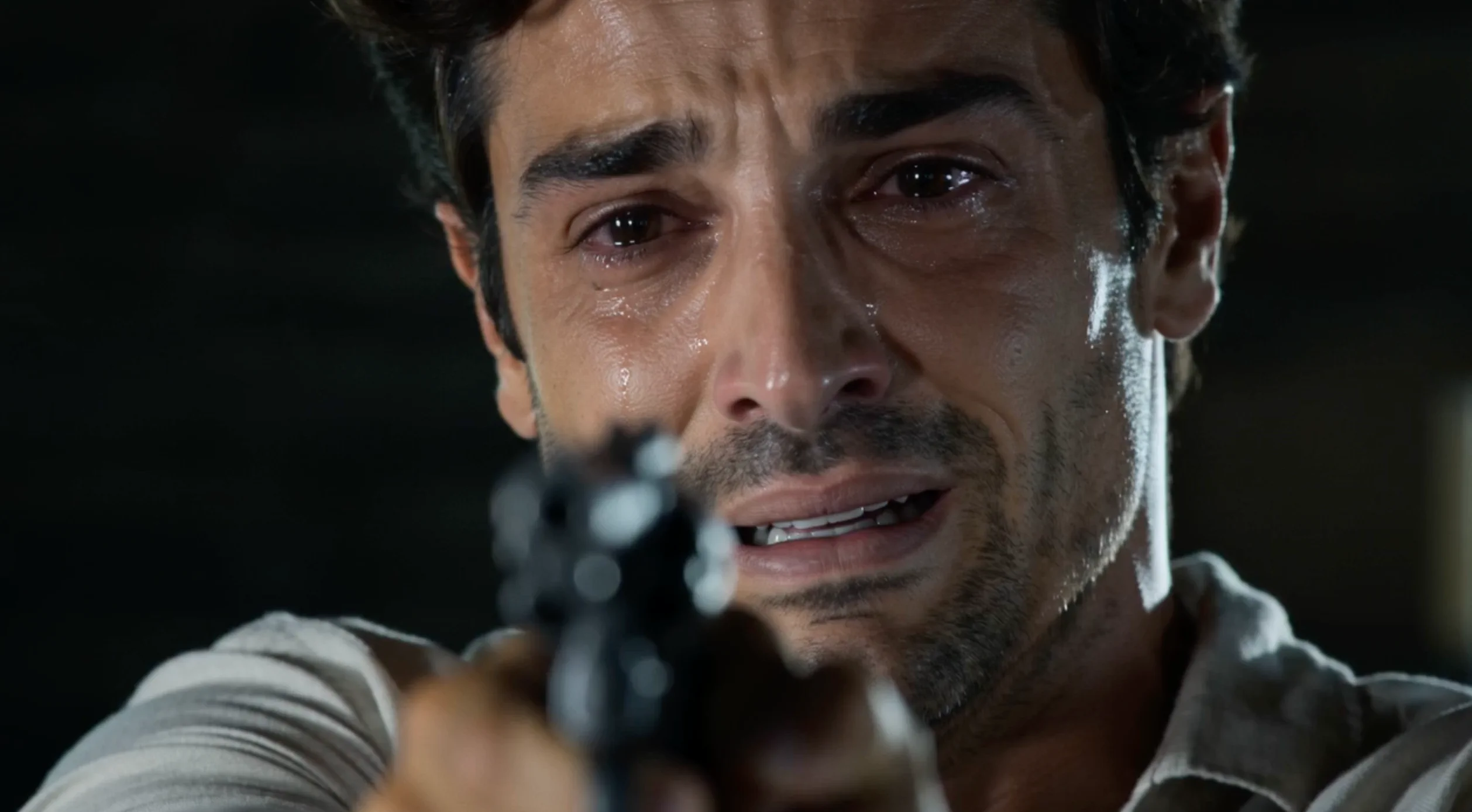 01
The Last Stand
Face the person that has become a zombie.
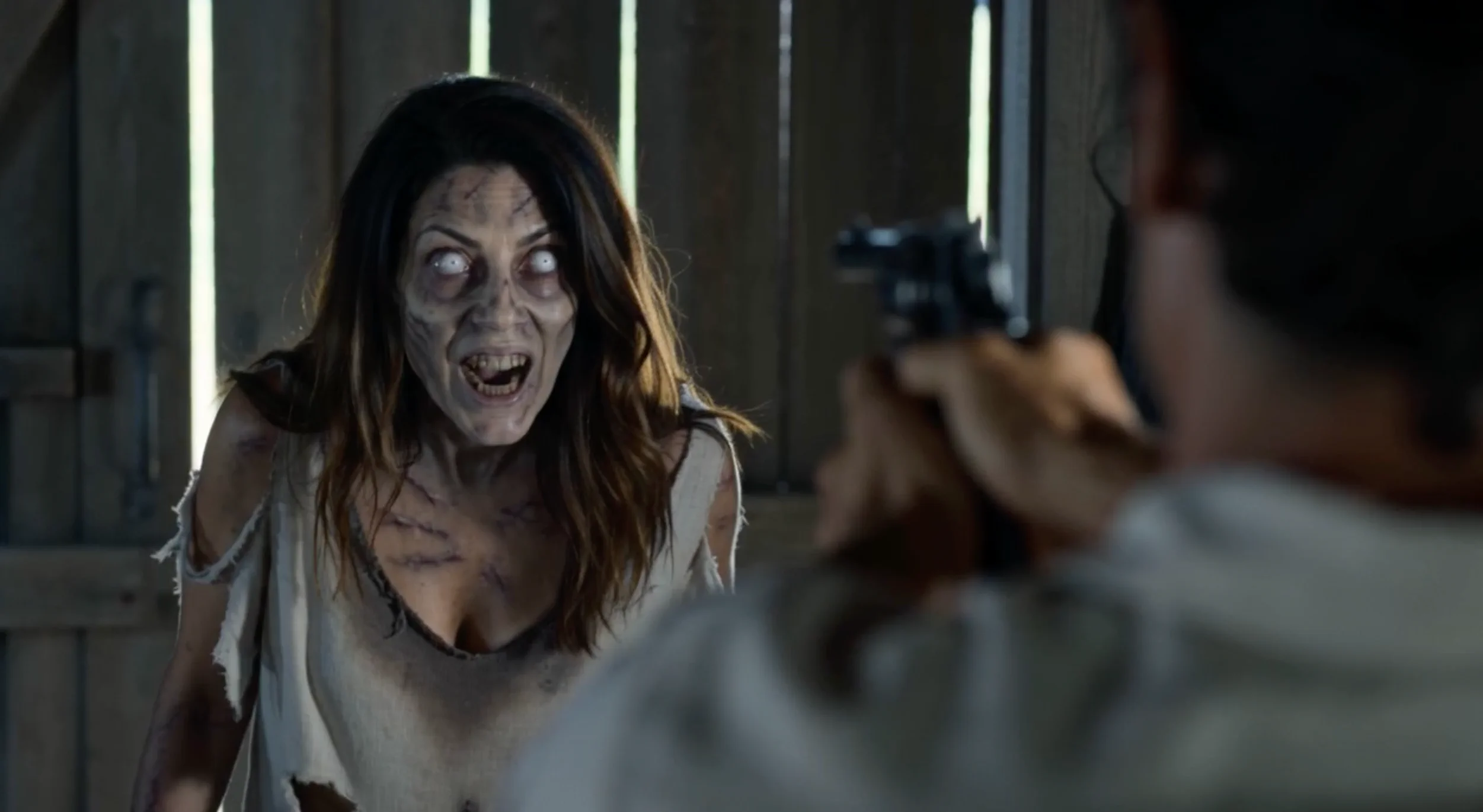 02
The Transformation
A close-up reveals the transformation.
 03
The Choice
The gun lowers. The attack never comes.
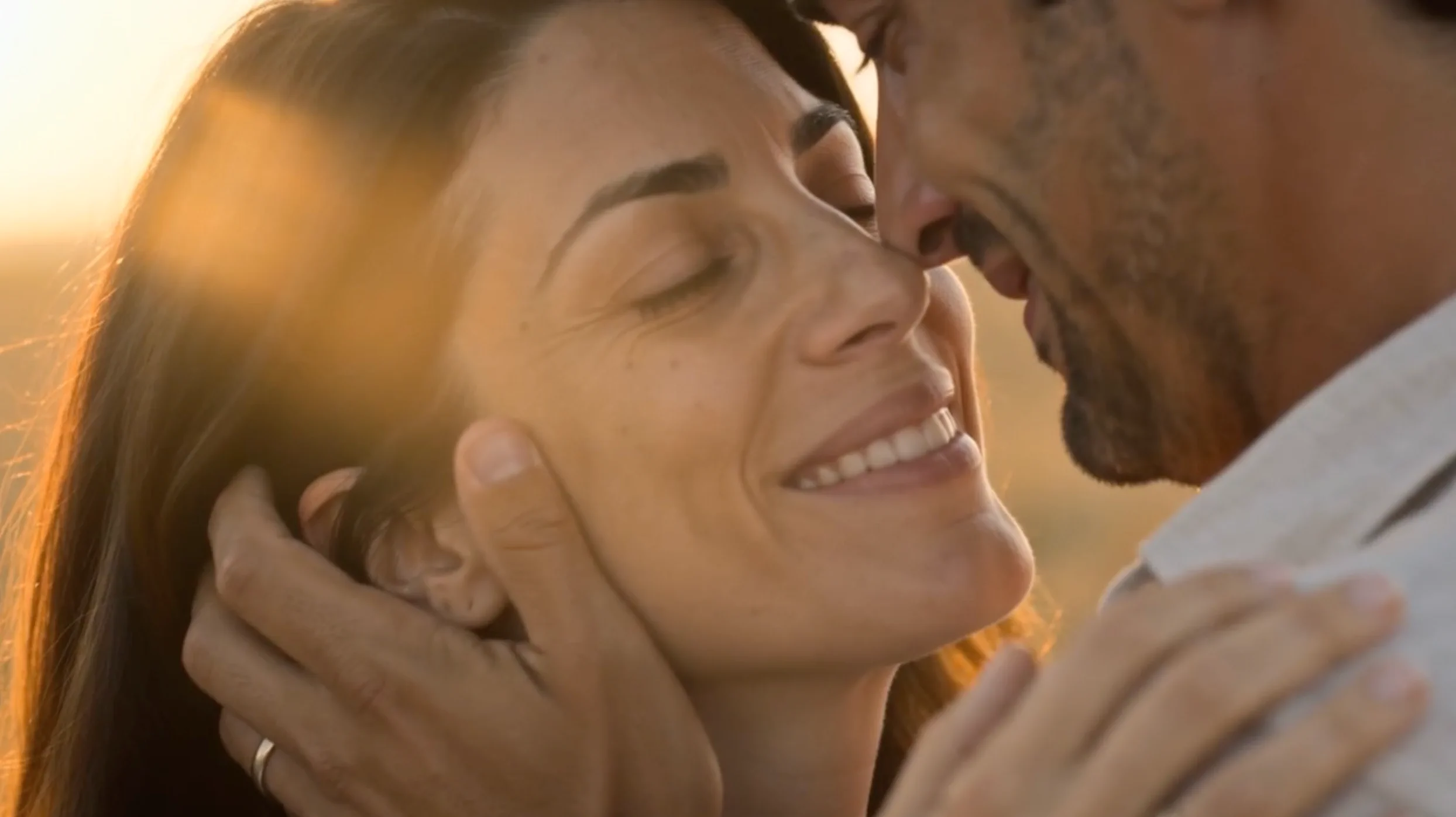 04
The Memory
Return to a calm moment before the change.
FROM PHOTO TO PLOT TWIST
How to Make an AI Zombie Video
No prompt. No editing.
Upload two photos
Choose Couple for Survivor and Zombie photos, or Pet for a photo of you and a separate photo of your cat or dog. Changing mode clears both photos.
Choose your video settings
Pick your video quality and choose 16:9 or 9:16.
Generate and download
Create your AI zombie trend video and download the finished clip.
GOOD QUESTIONS
AI Zombie Video FAQ
Photos, roles, and prompts for your zombie video.
What is the AI zombie trend?
The AI zombie trend is a short-video format shared on TikTok, Reels, and Shorts. A person or pet becomes a zombie, then the scene shifts to a warm memory of them together.
How do I make an AI zombie video from two photos?
Choose Couple or Pet, upload the two matching photos, select quality and aspect ratio, then generate and download. No prompt or video editing is required. Changing mode clears the photos so you can choose the right cast.
What app can I use to make the AI zombie trend?
Use the AI Zombie Video Generator in AI Rap Video in your browser. Choose Couple or Pet and add two photos without writing prompts or editing separate clips.
Do I need an AI zombie prompt?
No prompt is needed. Couple and Pet each use their own predefined story, including sound and a final memory scene. Choose your photos, quality, and format.
Which photo becomes the zombie?
In Couple, Photo 1 is the Survivor and Photo 2 becomes the Zombie. In Pet, Photo 1 is You and Photo 2 is Your Pet: the person stays human and the cat or dog becomes the zombie animal.
What photos work best for AI zombie videos?
Choose front-facing photos with the whole head visible, one subject per image, and good even lighting. Avoid sunglasses, masks, heavy filters, and blur. Pet mode supports cats and dogs; show the pet’s face and distinctive fur markings clearly.
Can I use this for friends, family, or pets?
Yes. Choose Couple for a partner, friend, or family member, with one person per photo. Choose Pet for you and your cat or dog, with the person in Photo 1 and the pet in Photo 2.
Can I swap who becomes the zombie?
In Couple, use Swap Roles to exchange Photo 1 and Photo 2 while keeping your settings. Pet roles cannot be swapped: Photo 1 is always the person and Photo 2 is always the cat or dog.
Ready to Create Your Zombie Video?
Two photos. Choose Couple or Pet and start your story.
Create My Video