 01
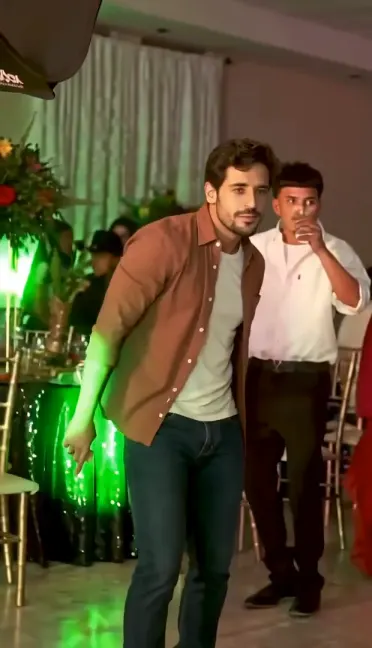
The Party Dance
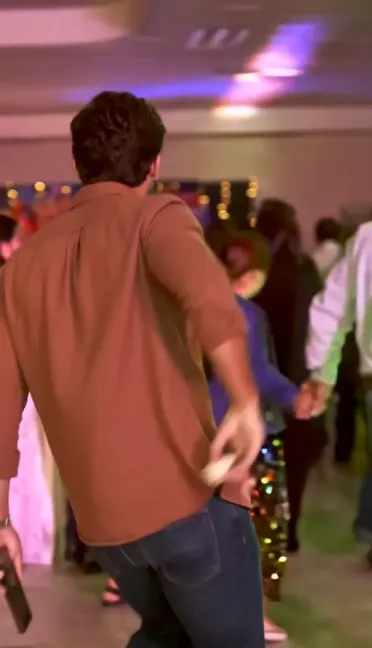
The character moves through a lively party setting and dances toward the camera, setting up the familiar viral moment.
ONE PHOTO. YOUR VIRAL MOMENT.
Turn one photo into your own Dime Dime Baby AI video. Recreate the viral BbY WOW Guy party moment — the dance, the bread bite, the funny camera stare, and the dance-away finish. No filming or video editing required.
See how the same viral party moment can look with different photo references. Watch the finished videos before creating your own.
Dime Dime Baby AI is a photo-to-video trend inspired by the viral BbY WOW Guy party clip. The scene is remembered for a dancer approaching the camera, taking a bite of bread, making a funny expression while looking into the lens, and dancing back into the party.
With a Dime Dime Baby AI video generator, you can recreate that recognizable moment with yourself as the main character. Upload one photo, and AI uses preset scene references and instructions to create a new video.
The phrase "Dime Dime Baby" is also associated with other dances and videos using the BbY WOW sound. This particular template focuses on the bread-biting party version, rather than every dance associated with the song.
The result is AI-generated, not a recording of the person in your photo actually dancing. Facial expressions, movement, and scene details may vary from one generation to another.
You don't need to film yourself dancing, upload a reference clip, or write an AI prompt.
Choose a clear photo of yourself or another adult who has given permission. A visible face and good lighting help AI use your photo as a character reference.
Select 480p Standard for 10 credits or 720p HD for 22 credits. Both options use the same preset party scene and target an approximately 9-second vertical video.
Start your AI video generation. Once the video and its soundtrack are ready, preview the completed MP4 and download it from My Videos.
No CapCut editing or custom prompt writing required.
THE FOUR MEMORABLE MOMENTS
01The character moves through a lively party setting and dances toward the camera, setting up the familiar viral moment.
 02
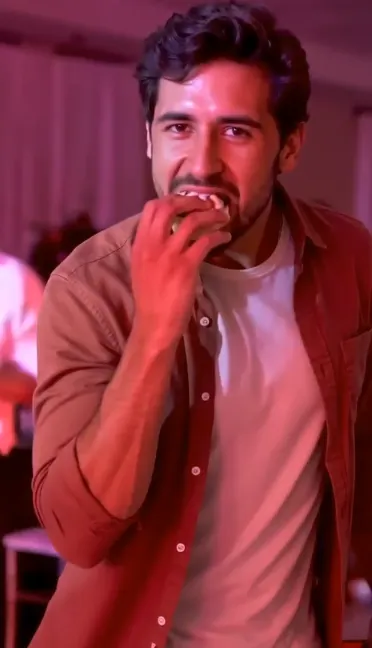
The playful bread-biting moment makes this version of the trend instantly recognizable.
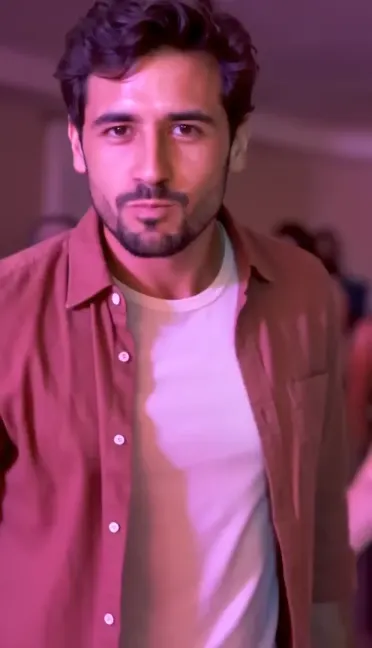
03The character looks directly into the lens with an exaggerated expression, creating the awkward, funny moment people remember.
 04
The character turns away and continues moving through the party as the short video comes to an end.
These moments describe the intended sequence. Because each video is newly generated by AI, the exact actions, facial expressions, and timing may differ.
Start with a single clear portrait. There is no need to upload multiple people or prepare a separate dance video.
The video concept is already prepared. You don't need to describe the bread bite, camera movement, or party setting in a custom prompt.
Create the clip directly in your browser without manually cutting footage or assembling the scene in an editing app.
The finished video uses a 9:16 vertical format suitable for short-video platforms, with an MP4 download.
You don't need a professional portrait. A clear phone photo is a good starting point, as long as the AI can see the person's facial features.
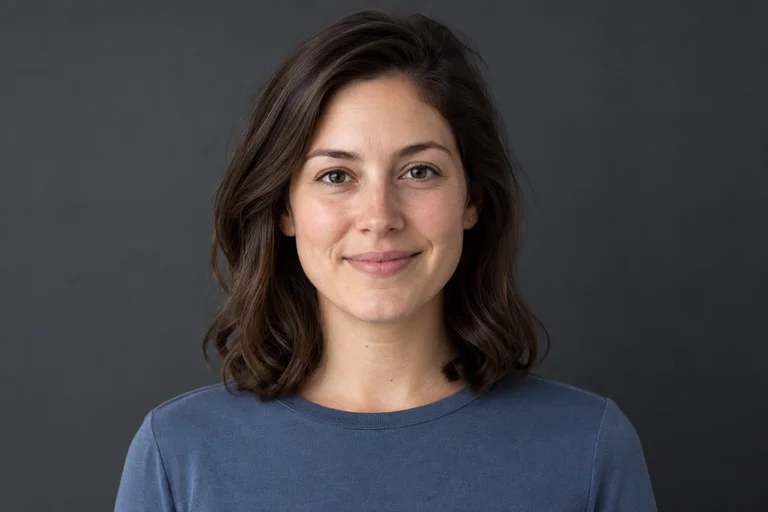
Choose a sharp, well-lit photo of one person facing the camera or looking slightly to the side.
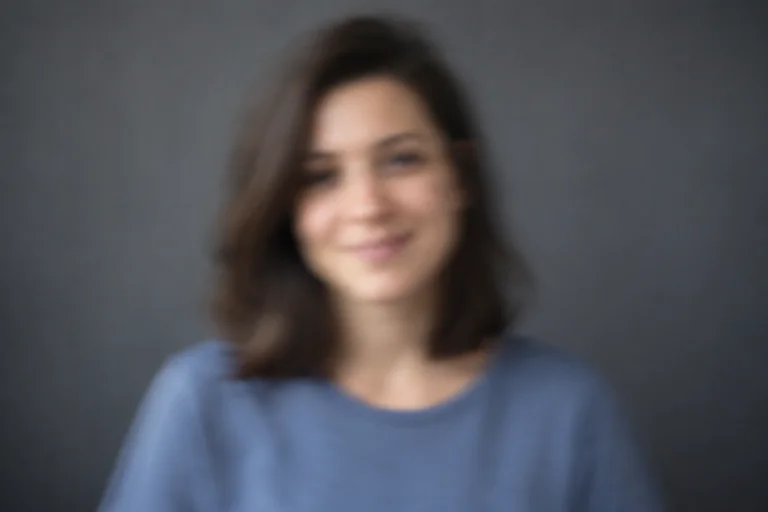
Dark images, motion blur, and heavy filters can make it harder to preserve recognizable facial details.
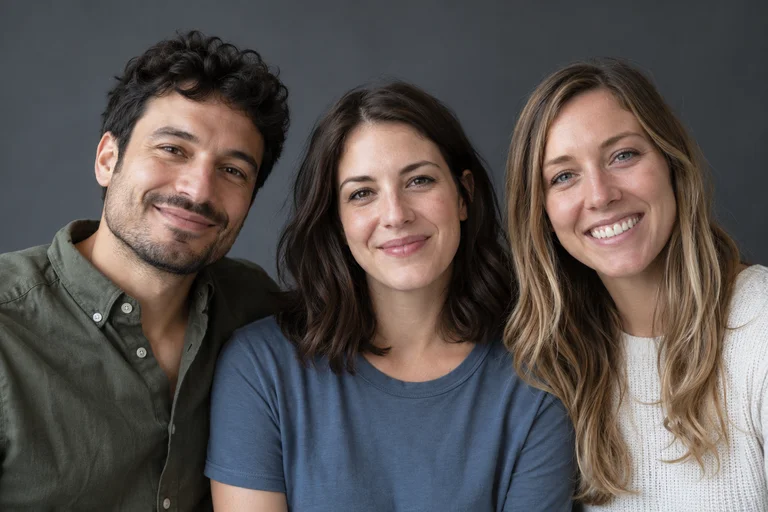
A solo portrait gives AI a clearer character reference than a group photo with overlapping faces.
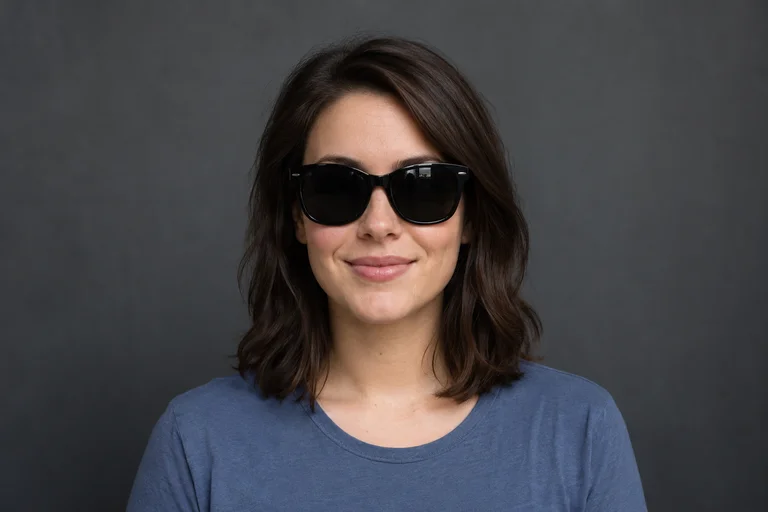
Avoid sunglasses, masks, hands, or objects that hide important facial features.
A clear selfie can work because the face is easy to recognize. A waist-up or full-body photo may also provide useful information about clothing and proportions. Choose the clearest available image rather than assuming a particular framing guarantees a better result.
Photo quality can help, but no reference image guarantees an exact likeness or a perfectly identical dance.
Both quality options create the same Dime Dime Baby party scene. Choose a lower credit cost for your first attempt or HD for a higher-resolution result.
A lower-credit option for trying the viral trend and making a fun short video.
Higher-resolution output for viewers who prefer a sharper vertical video.
Higher resolution does not guarantee more accurate faces or perfectly identical dance moves.
Generation uses your AI Rap Video credits. Credits are returned when a generation is confirmed to have failed under the existing credit policy.
After your video is generated, open My Videos to preview and download the finished MP4. The vertical 9:16 format is suitable for short-video posts on TikTok, Instagram Reels, and YouTube Shorts.
Review the finished result before posting. If you share an AI-generated depiction of a real person, follow the platform's rules for synthetic content, music use, and labeling. Creating a video does not automatically publish it to your social accounts.
Download your completed video within 7 days of its successful save.
Answers to common questions about the viral trend, photo requirements, video generation, credits, and sharing.
Dime Dime Baby AI is a photo-to-video trend that lets you recreate a viral party moment with yourself as the main character. This generator focuses on the BbY WOW Guy version, featuring a dance, a bite of bread, a funny camera stare, and a dance-away ending.
The names are closely related, but Dime Dime Baby can refer to more than one dance trend. BbY WOW Guy AI usually refers to the recognizable bread-biting party clip. This generator makes that specific version.
Upload one clear photo, choose 480p or 720p, and start generation using your AI Rap Video credits. The preset scene handles the party setting and movements. When the video is ready, preview and download it from My Videos.
You can make a new AI-generated version of the party moment starring the person in your photo. The generator uses preset scene references and instructions; it does not simply paste your face onto the original TikTok footage.
No. The scene is already configured. You only need to upload your photo, choose a supported quality option, and start generation.
No. You can create the video directly in your browser without writing a prompt or editing footage in CapCut. The dance concept and scene instructions are preset.
The intended sequence shows a character dancing through a party, approaching the camera, taking a bite of bread, making a funny straight-faced expression, and dancing away. Exact details can vary because the video is generated by AI.
The template targets an approximately 9-second video in a vertical 9:16 format. The completed result is delivered as an MP4 with sound.
The generator is designed to deliver the video with its configured soundtrack. The trend itself is associated with the BbY WOW sound. Downloading a video does not grant separate rights to commercial music, so check the music rules of the platform where you share it.
Use a sharp, well-lit photo showing one adult with a visible face. A natural front-facing or slightly angled portrait is a good choice. Avoid blurry images, group photos, hidden faces, and heavy filters.
Yes, if the person is an adult and has explicitly agreed to their photo being used to create an AI-generated video. Do not upload photos of minors, public figures, or anyone who has not given permission.
This template is designed for a clear photo of one adult person. It is not a dedicated pet-video generator, so animal inputs are not supported for this version.
480p Standard costs 10 credits and 720p HD costs 22 credits. Credits are part of the AI Rap Video account system and can be purchased through the existing credit plans. The generator displays the required credits before submission.
Not in this Rap template at the moment. You can choose 480p Standard or 720p HD.
Yes. This template uses the AI Rap Video account and credit system. Sign in to check your balance, generate videos, and access your completed creations in My Videos.
When a task is confirmed to have failed, its consumed credits are returned under the existing credit policy. A processing delay or temporary status error is not necessarily a confirmed failure. Check My Videos or contact support if a task remains unresolved.
Open My Videos in your AI Rap Video account. Completed videos can be previewed and downloaded while available. Download your MP4 within 7 days of its successful save.
Your uploads and generated videos are handled through the AI Rap Video account and private storage system. Uploaded photos are available for up to 3 days, and generated videos for 7 days after saving. Third-party AI providers also process inputs as needed to generate your video. See the Privacy Policy for full details.
Yes, you can download your MP4 and upload it to supported social platforms, subject to the rights you hold and each platform's rules. Review any requirements for AI-generated content labeling and music before posting.
No. AI Rap Video is an independent AI video creation service. This template is not affiliated with or endorsed by the original video creator, the recording artists, TikTok, Instagram, or CapCut.
Looking for another viral video idea? Try one of our other AI video templates and make a new creation from your photos.
YOUR PHOTO. YOUR VIRAL MOMENT.
Turn one photo into the funny, bread-biting party moment. Choose your quality, generate your AI video, and download the result.
1 Photo · About 9 Seconds · No Editing Required